What it does
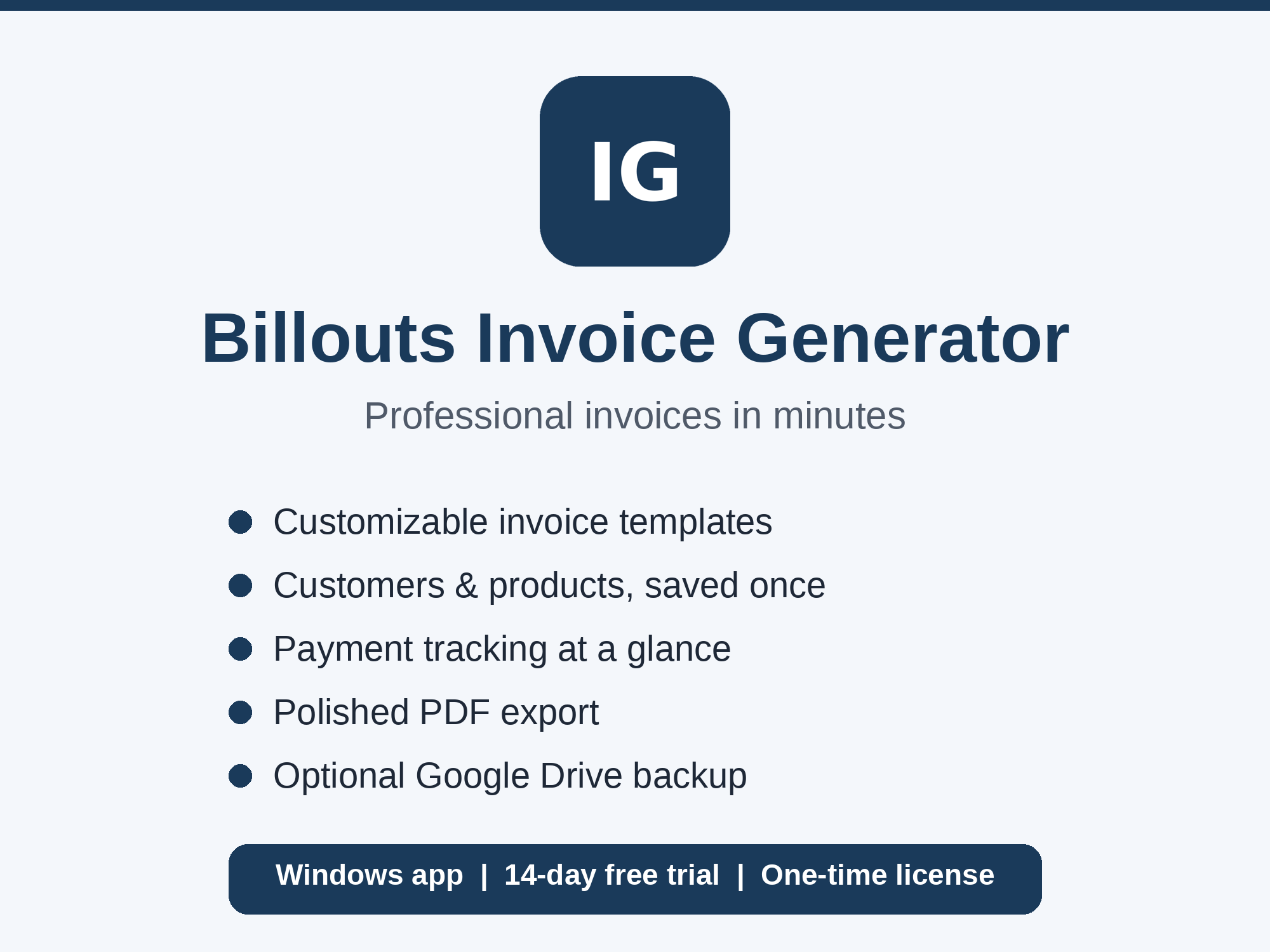
- One-page PDF invoices. A clean layout you can send to clients, with optional short terms in the footer and optional full terms on their own last page.
- Customers and products saved once. Reuse them on every invoice instead of retyping.
- Payment tracking. Record full or part payments and see what is outstanding, due soon and overdue at a glance.
- Pay Now button. Paste your PayPal.me, Cash App, Venmo or Stripe link and it appears on every invoice. You also see a “link clicked” badge when a client opens it. That shows the link was clicked, not that the invoice was paid.
- Your branding and tax details. Add your logo and your Tax / VAT number to every invoice.
- Optional Google Drive backup and sync across your own devices. It is your backup, not a sharing feature.
Pricing: try first, then choose yearly or lifetime
The app includes a full 14-day free trial. After the trial, creating new invoices and exporting PDFs needs a licence. Choose a yearly licence (one year, and you renew it yourself when you want to) or pay once for a lifetime licence. Nothing renews automatically. Your existing invoices stay safe on your computer and are never deleted, even without a licence. See the buy page for options and prices.
Your data stays with you
Invoices are stored locally on your computer. The internet is only needed for activation, the Pay Now click badge and optional Google Drive sync. Read the privacy policy.
Who it is for
Freelancers, contractors, tradespeople and small businesses who want straightforward invoicing without the overhead of a full accounting suite.
Frequently asked questions
Is it a subscription?
No. After the free trial you choose a yearly licence, which you renew yourself if you want to carry on, or a lifetime licence that you pay for once. Nothing renews automatically.
Does it work on Mac?
The desktop app is for Windows 10 and 11. There is also a web version you can open in a browser at billouts.com.
Where do I get help?
See the help guide or the support page.